



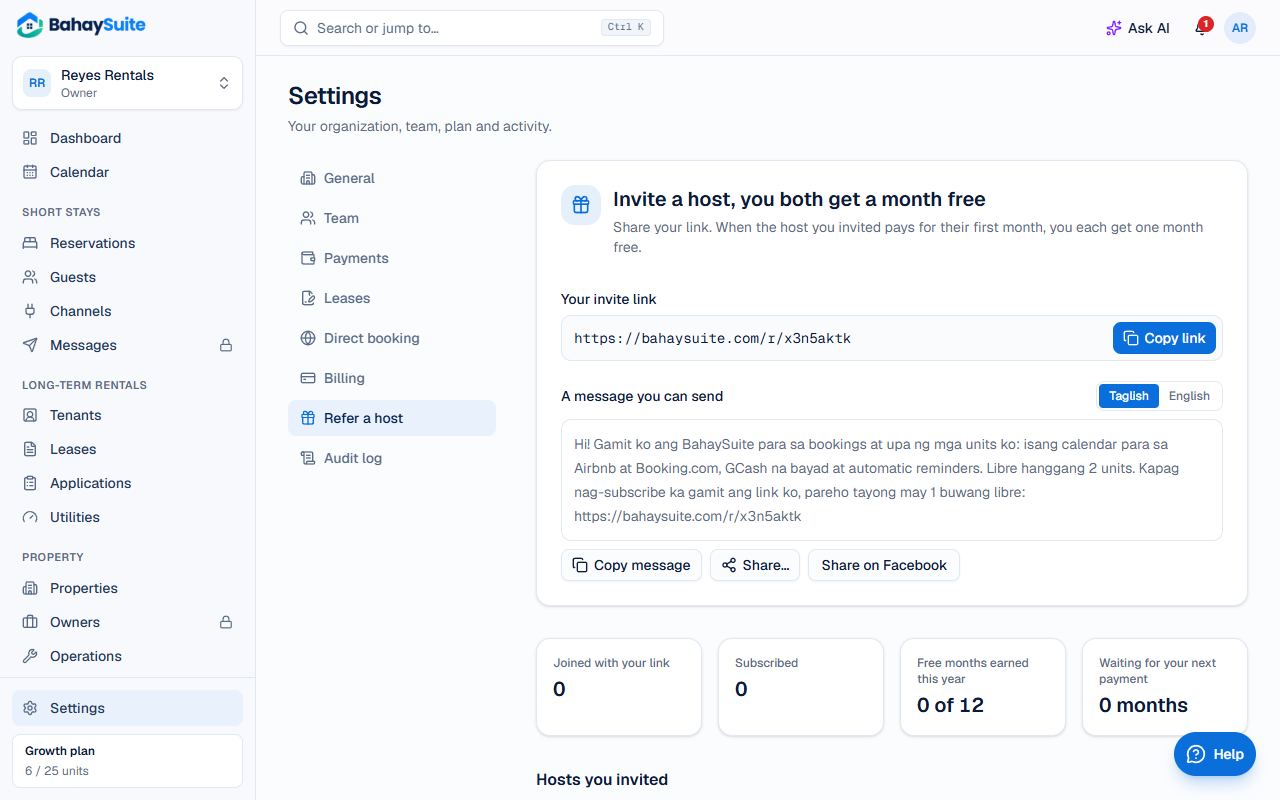
- Go to Settings → Refer a host (or Refer a host, get a month free in your account menu).
- Click Copy link, or copy the ready-made message in Taglish or English, or click Share on Facebook.
- Send it to landlords and hosts you know.
How the reward works
- The host signs up within 30 days of opening your link.
- When they first pay for any plan, you each get one free month.
- On a paid plan, yours is added straight away. On Free, it’s saved and added at your next payment.
- Up to 12 free months a year.
- Your own other workspaces and team members don’t count.
The page shows who joined with your link, who subscribed, and the free months you’ve earned.