



Send an invitation
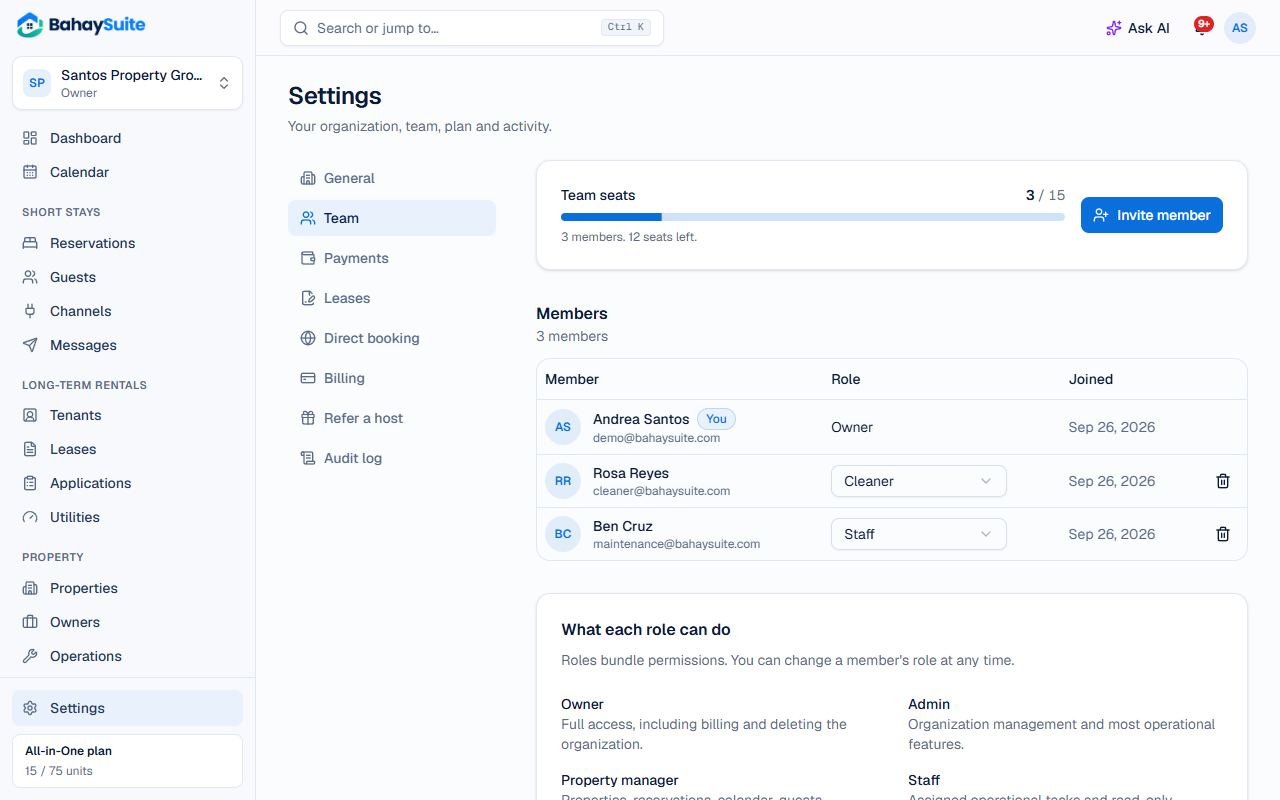
- Go to Settings → Team.
- Click Invite member.
- Enter their Email and choose a Role (the hint under the field explains it).
- Click Send invitation. They get an email with a link to join.
Which role to choose
- Admin: runs everything except billing and deleting the account.
- Property manager: properties, bookings, calendar, guests, tenants, leases, payments and tasks.
- Accountant: payments, expenses, revenue and reports.
- Staff: their assigned tasks, and read-only property details.
- Cleaner: only their own cleaning tasks, and reporting repairs. They open straight to My tasks on their phone.
- Viewer: can look at everything, change nothing.
You can change someone’s role any time in the Members list, or remove them with the trash icon.