



Add a booking
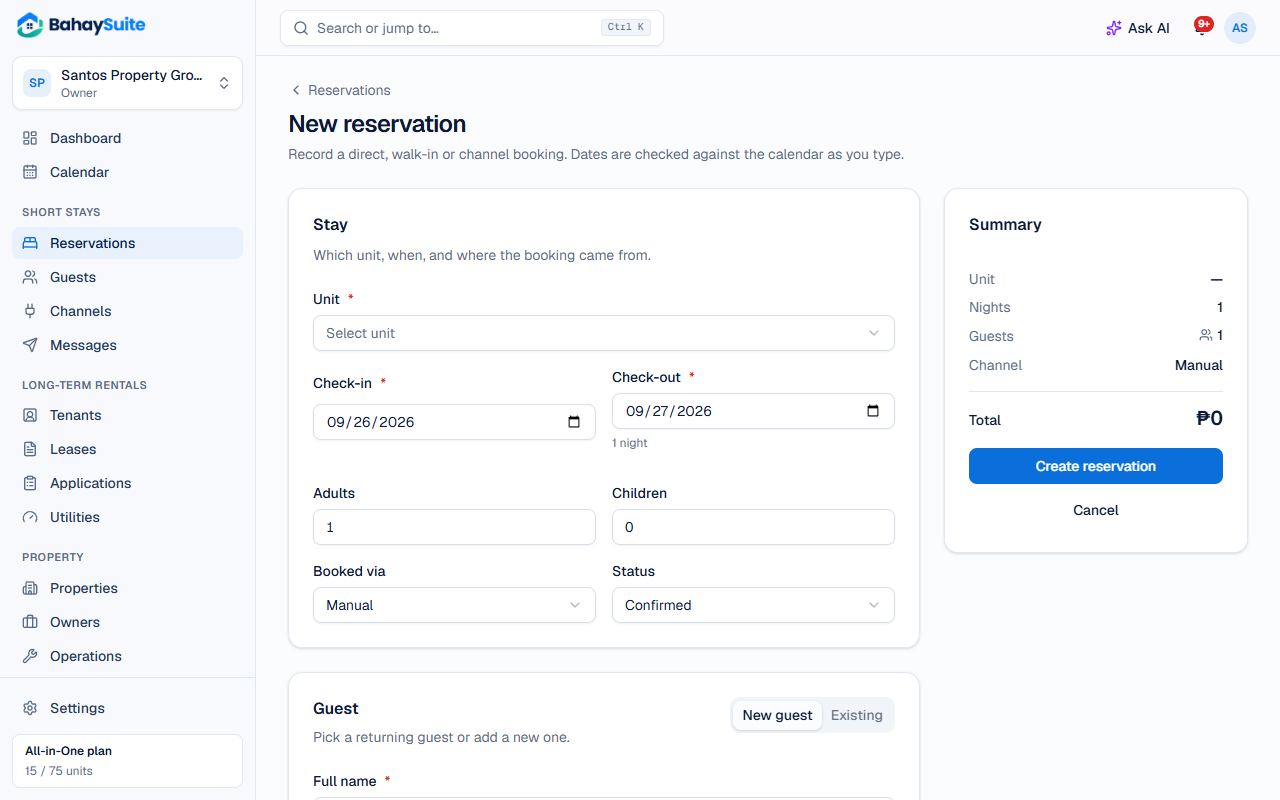
- Go to Reservations → New reservation, or on the Calendar drag across empty days for a unit and choose Create reservation.
- Pick the Unit, Check-in and Check-out dates and the number of guests. BahaySuite tells you right away if the dates are taken.
- Choose where it came from under Booked via (Walk-in, Direct, Manual…).
- Enter the guest’s Full name, and their email or phone if you have them.
- Check the price (it’s filled from the unit’s rates) and click Create reservation.
Block dates
- On the Calendar, drag across the empty days for the unit.
- Under “or take it off the market”, choose Block or Maintenance and add a reason if you like.
- Click Block dates. The dates close on Airbnb and Booking.com at their next sync.
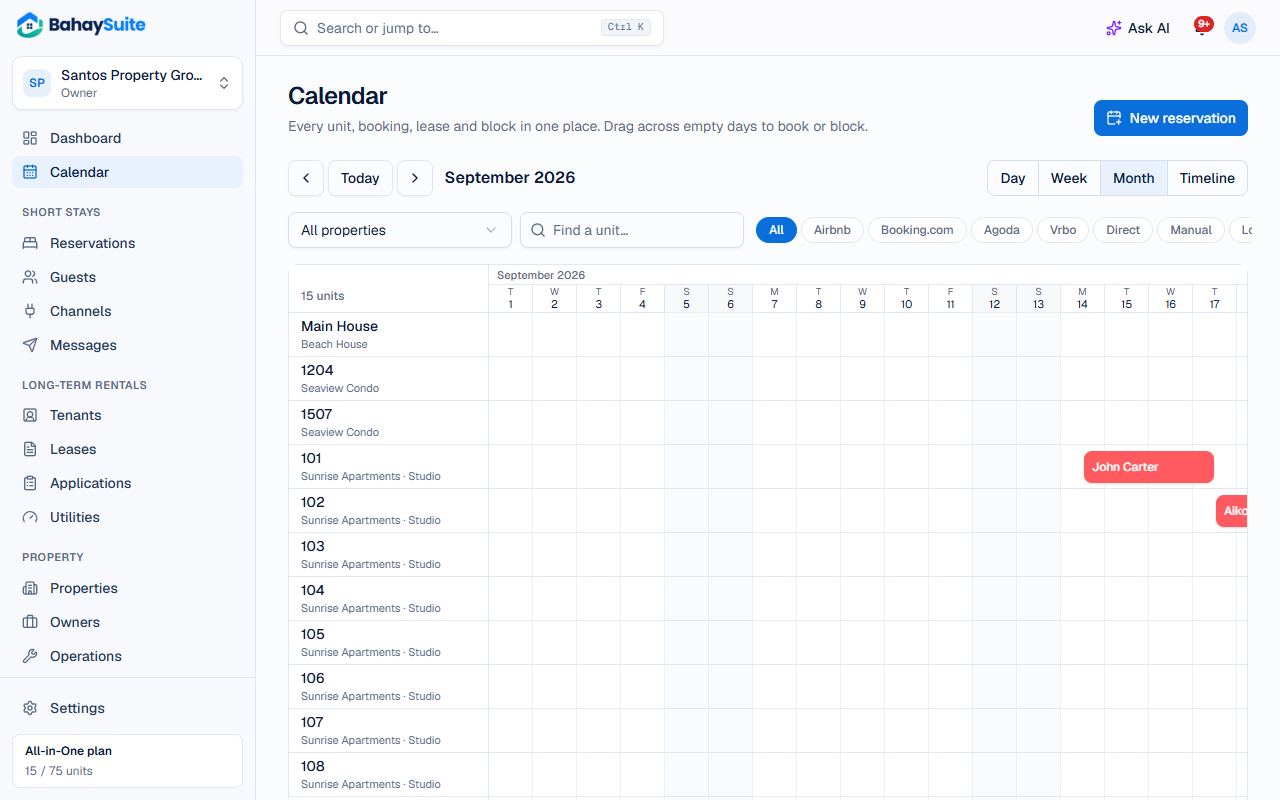
To reopen the dates, click the block on the calendar and choose Remove block.