



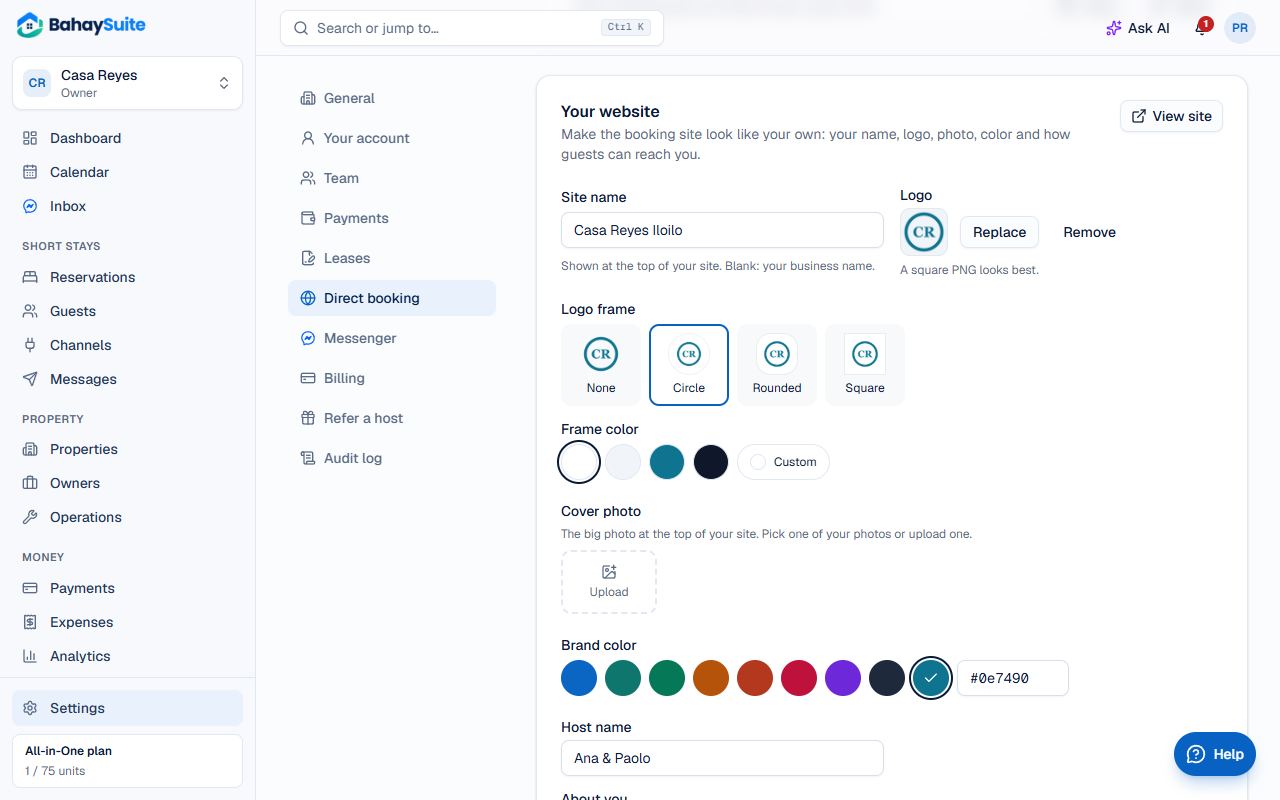
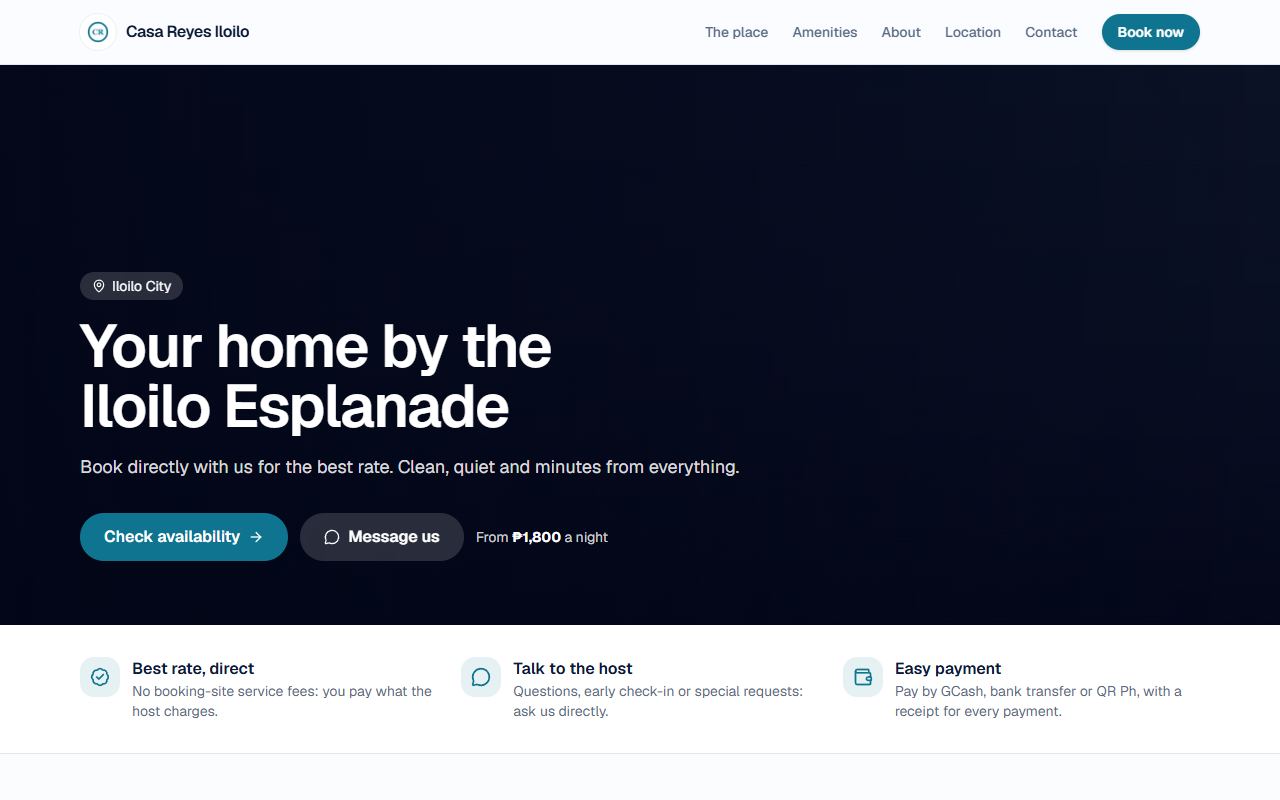
Your booking site can look like your own website instead of a BahaySuite page. Go to Settings → Direct booking and scroll to Your website.
- Site name: shown at the top of the site (blank uses your business name).
- Logo: upload a square PNG. Under Logo frame, put it in a Circle, Rounded or Square frame and pick a Frame color: handy for a dark or see-through logo.
- Cover photo: the big photo at the top. Pick one of your photos or upload one.
- Brand color: the color of buttons and links. The Free plan has 3 colors. On a paid plan, pick any of the 8 or click the rainbow swatch for any color you like, such as your logo’s (type its code, like #e11d48).
- Host name and About you: a few lines about you and your place.
- How guests can reach you: Messenger, WhatsApp, Viber, Facebook, Instagram and TikTok.
- Address and Google Maps link (in Google Maps, tap Share → Copy link).
- Click Save website, then View site.
A custom website on your own domain
Want a website made just for your brand, on your own domain (like yourplace.com) instead of bahaysuite.com? Click Contact us on the Want a custom booking website? card under Your website, or send us a message, and tell us what you have in mind.