



- Open Properties, choose the property, and go to the Details tab.
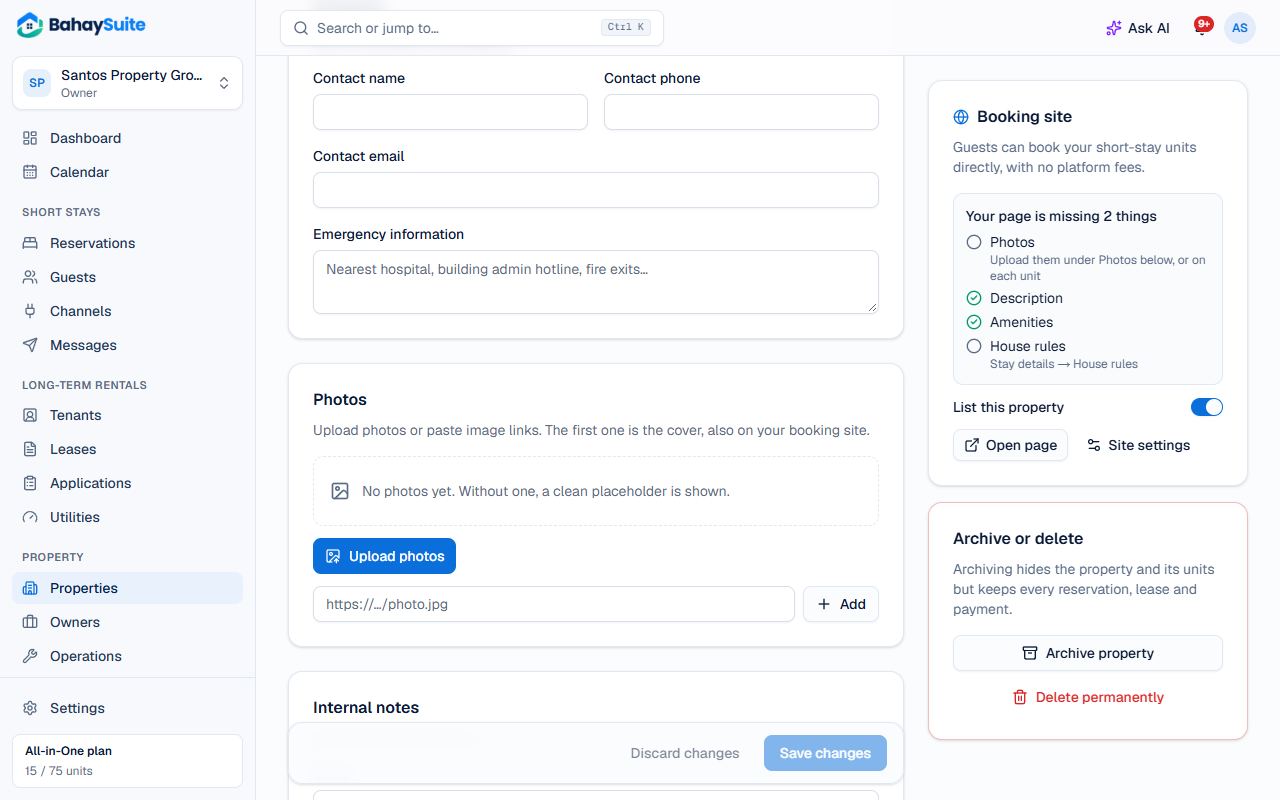
- Under Photos, click Upload photos (JPEG, PNG or WebP, up to 8 MB each, 12 per property). The first photo is the cover; use Make cover to change it.
- Under Amenities, type an amenity and press Enter, or tap a suggestion like Wi-Fi or Air conditioning.
- Fill in the description and house rules, then Save changes.
Units have their own Photos and Amenities too (open the unit from the property). Your booking site shows property and unit photos together.