



Set it up once
- Open BIR & taxes and go to the Setup tab.
- Fill in Your BIR registration: registered name, TIN, RDO code, address, and your taxpayer type, business tax and income tax option.
- Under Invoice booklets, click Add and enter the ATP number, first and last invoice numbers, prefix, date issued and printer.
Every payment
On the Invoices tab, Payments without an invoice lists what still needs one. Click Record invoice and BahaySuite uses the next number from your booklet. Other invoice is for income that isn’t in BahaySuite. The Sales register can be downloaded as CSV.
Every quarter
The Overview tab shows the quarter’s gross receipts and an estimated tax (3% percentage tax on 2551Q, 12% VAT on 2550Q, or the 8% option), less any Form 2307 withholding. Coming up lists your next deadlines. Residential rent of ₱15,000 a month or less is left out, as the law allows.
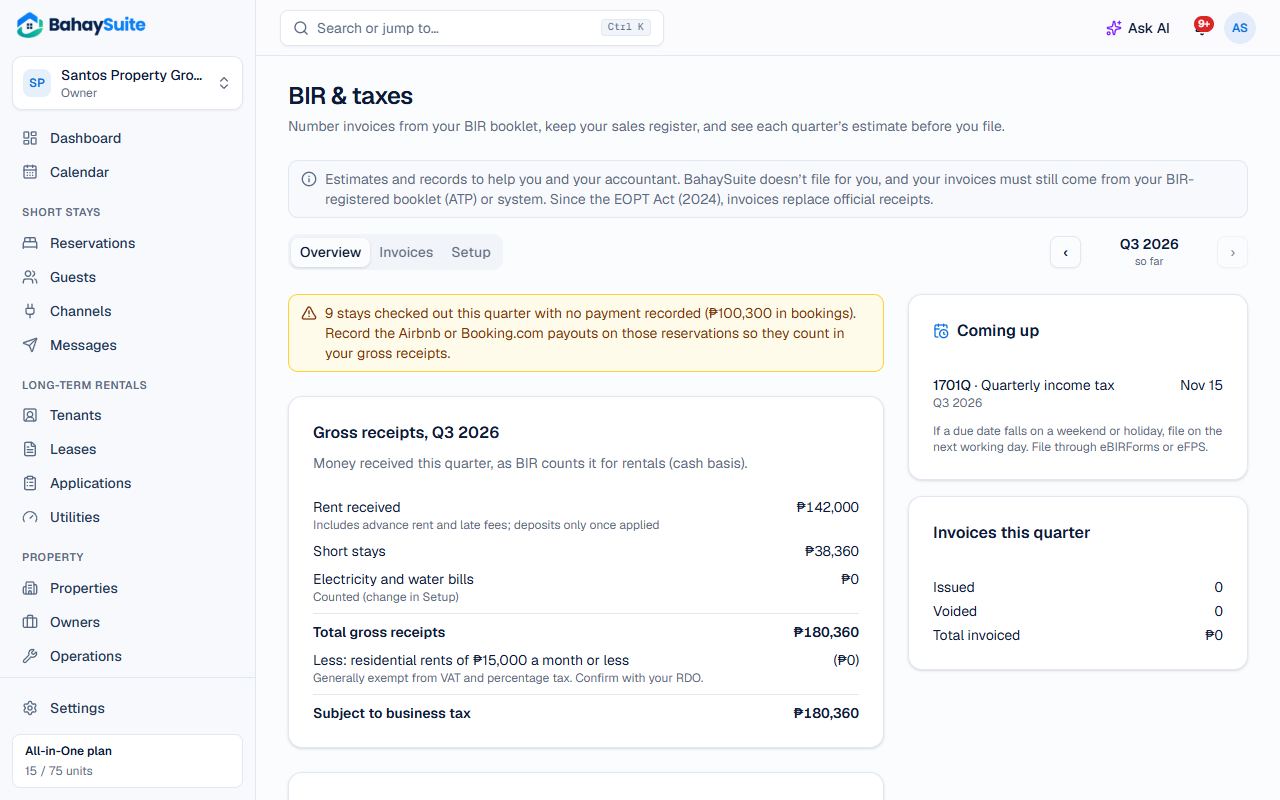
Part of Growth and All-in-One, or the ₱49 BIR & taxes add-on.