



- Open Owners and click Add owner. Enter their name, email, phone, your Management fee (%), any fixed monthly fee, and their payout details.
- Open each property or unit they own and set them as the owner.
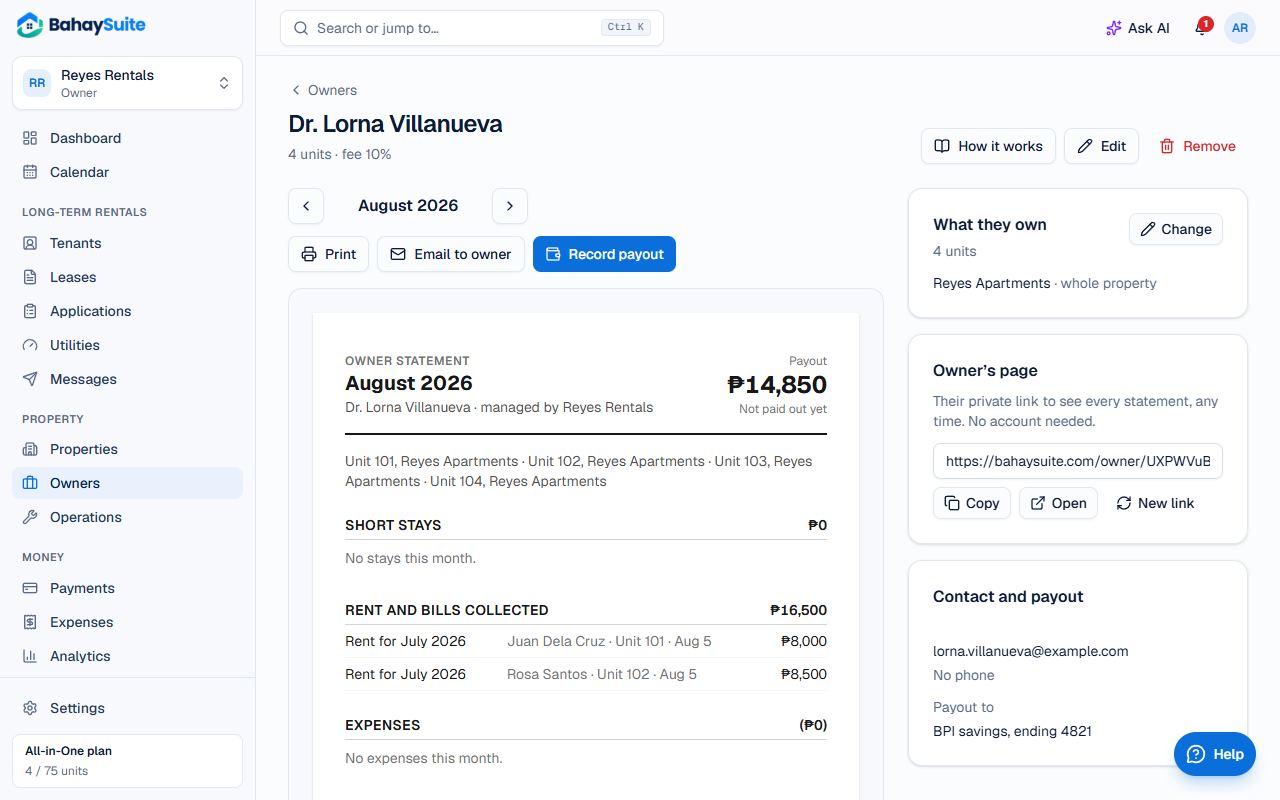
- Each month, open the owner. The statement shows stays and rent collected, minus platform fees, expenses and your fee.
- Click Email to owner, or share their private page from the Owner’s page card (Copy).
- When you’ve sent the money, click Record payout. This freezes that month’s statement; Reopen unfreezes it.
Part of All-in-One, or the ₱99 Owner statements add-on.