



Open Analytics and pick a period (This month, Last month, Last 90 days, Year to date or Custom) and, if you like, one property.
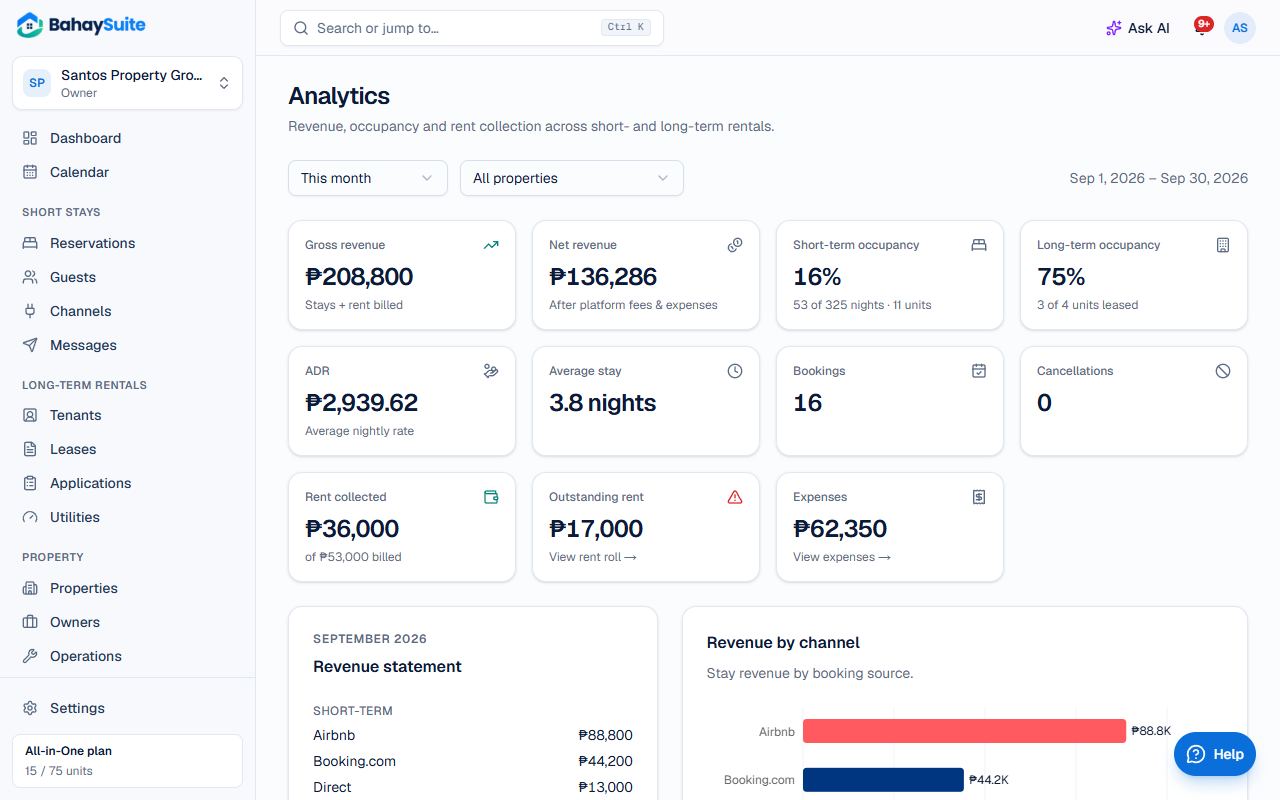
- Gross revenue and Net revenue (after platform fees and expenses).
- Short-term occupancy and Long-term occupancy, ADR (average nightly rate), Average stay, Bookings and Cancellations.
- Rent collected and Outstanding rent.
- A Revenue statement, Revenue by channel and Revenue by rental type.
With Advanced Analytics you also get Monthly revenue, Revenue by property and your Top units. It’s part of Growth and All-in-One, or the ₱49 add-on. Expenses show once you track them.