



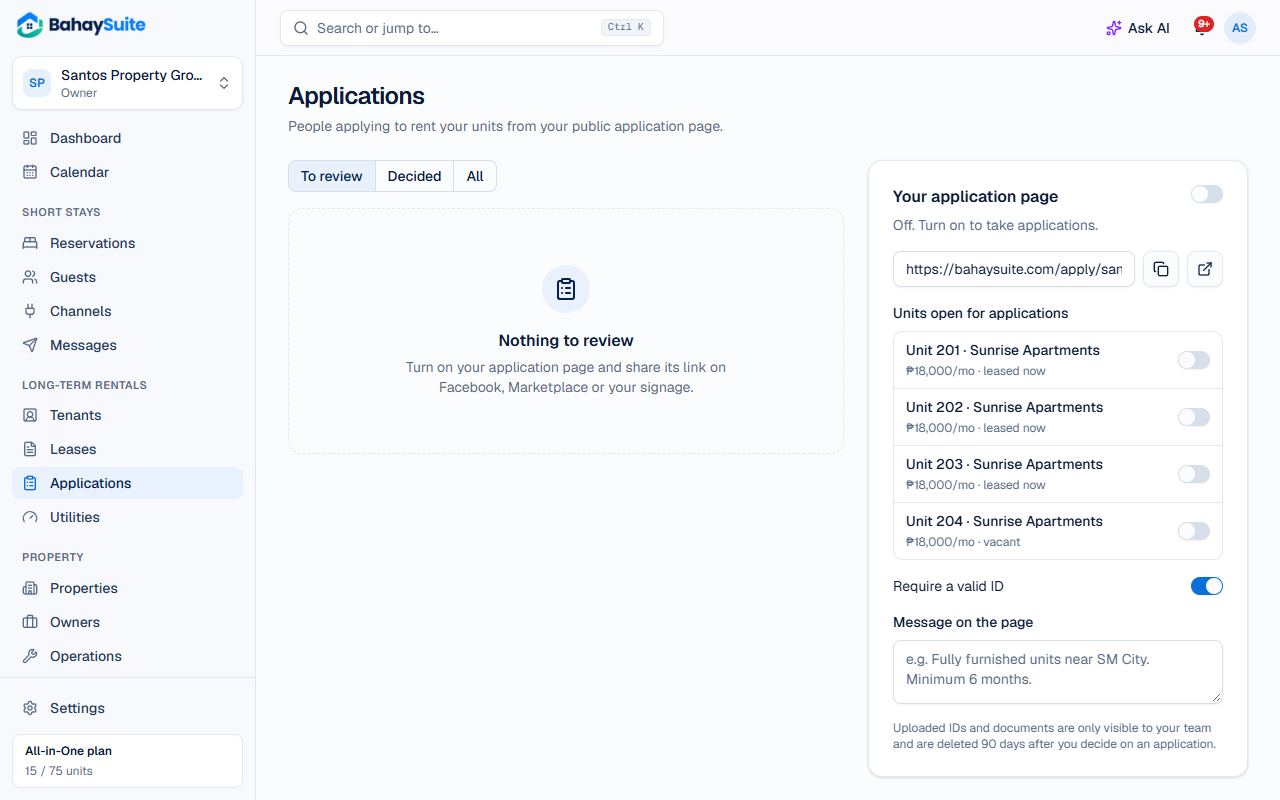
- Open Applications. In Your application page, switch it on.
- Under Units open for applications, switch on the vacant units.
- Write a short Message on the page (for example, minimum stay and inclusions) and click Save message.
- Copy the link and post it on Facebook Marketplace or your listing.
Applicants fill in their details, work and income, references, and attach a valid ID and proof of income. You get a notification for each one.
Review and decide
- Open the application. Use the Screening checklist (ID checked, income verified, references called) and notes.
- Click Approve. The applicant becomes a tenant; click Create the lease to finish, with the unit and move-in date filled in.
- Or click Decline. You can email the applicant about your decision either way.