



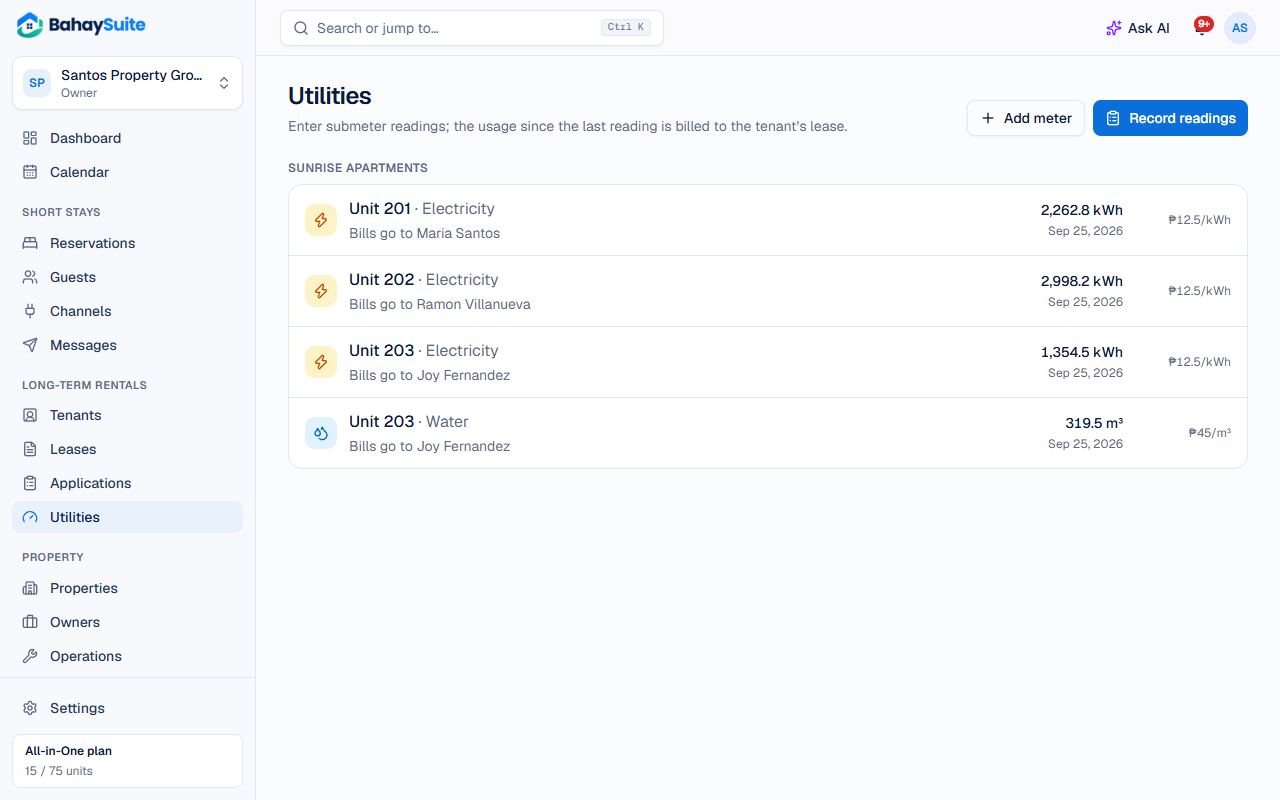
- Open Utilities and click Add meter. Choose the Unit, whether it measures electricity (kWh) or water (m³), the Rate, and an optional Minimum bill.
- Each month, click Record readings, enter the date and the reading for each meter, and click Save readings.
The first reading is just the starting point. From the next one, BahaySuite charges usage × rate (or the minimum bill, if higher) to the tenant’s lease, and it appears on their pay link.